Fewer empty slots. Fewer unpaid appointments.
Efika shows you what needs attention before an open slot, payment or message slips through the cracks.
Efika helps you stay on top of open slots, payments and messages, so fewer hours and less revenue get lost in the day-to-day running of your practice.

Fewer empty slots. Fewer unpaid appointments.
Efika shows you what needs attention before an open slot, payment or message slips through the cracks.
Efika keeps an eye on the things that are easy to miss — open slots, payments, bookings and messages — so you spend less time on admin.
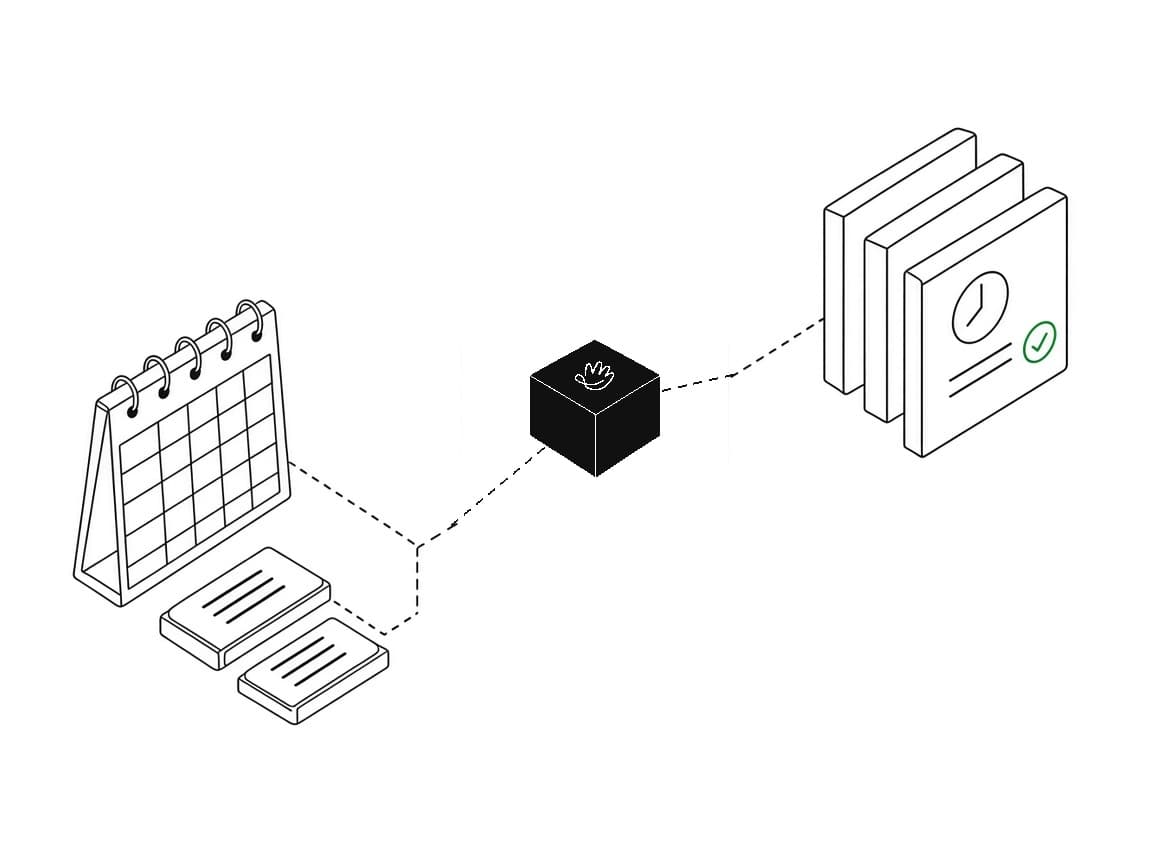
Don't let an empty hour go to waste
Efika brings the appointments and time slots that could cost you money to the top. You immediately see what needs your attention first.
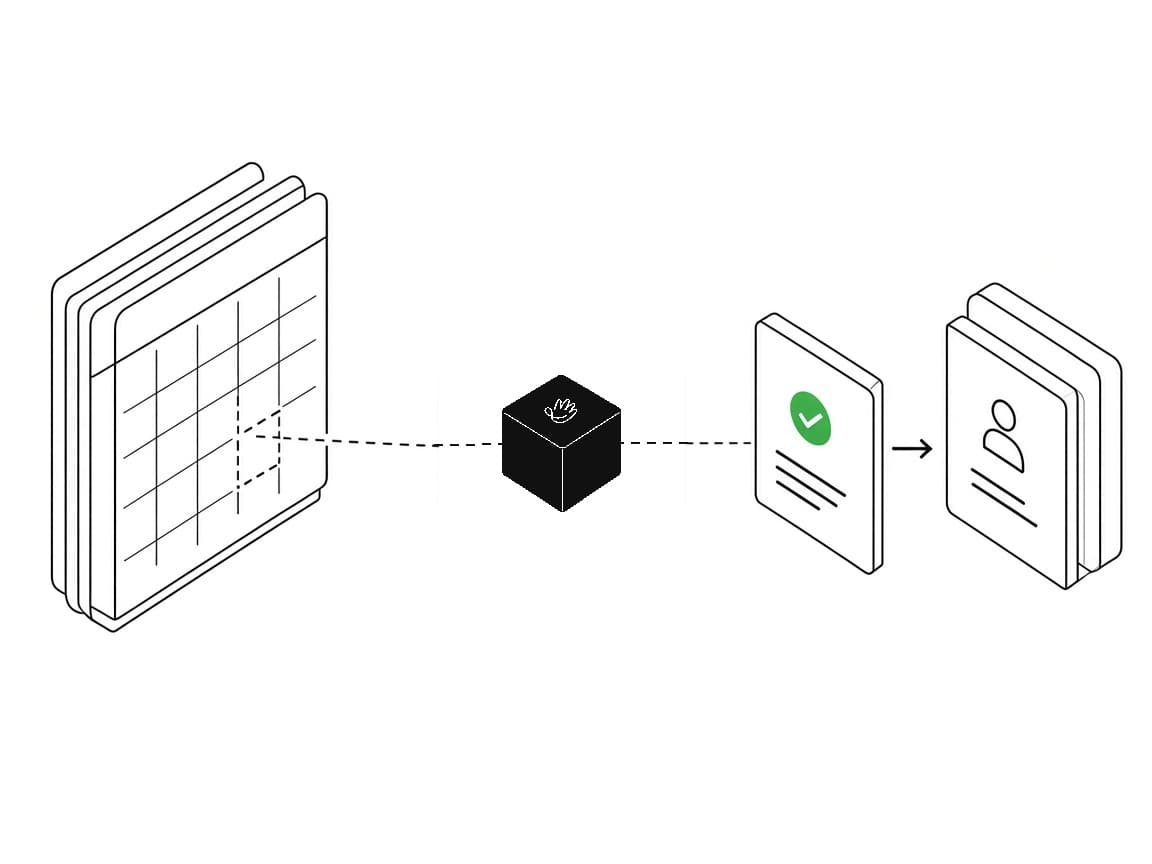
Fill cancelled appointments again
When someone cancels, Efika shows the open slot and suggests which existing clients you could offer it to. You decide who gets the message.
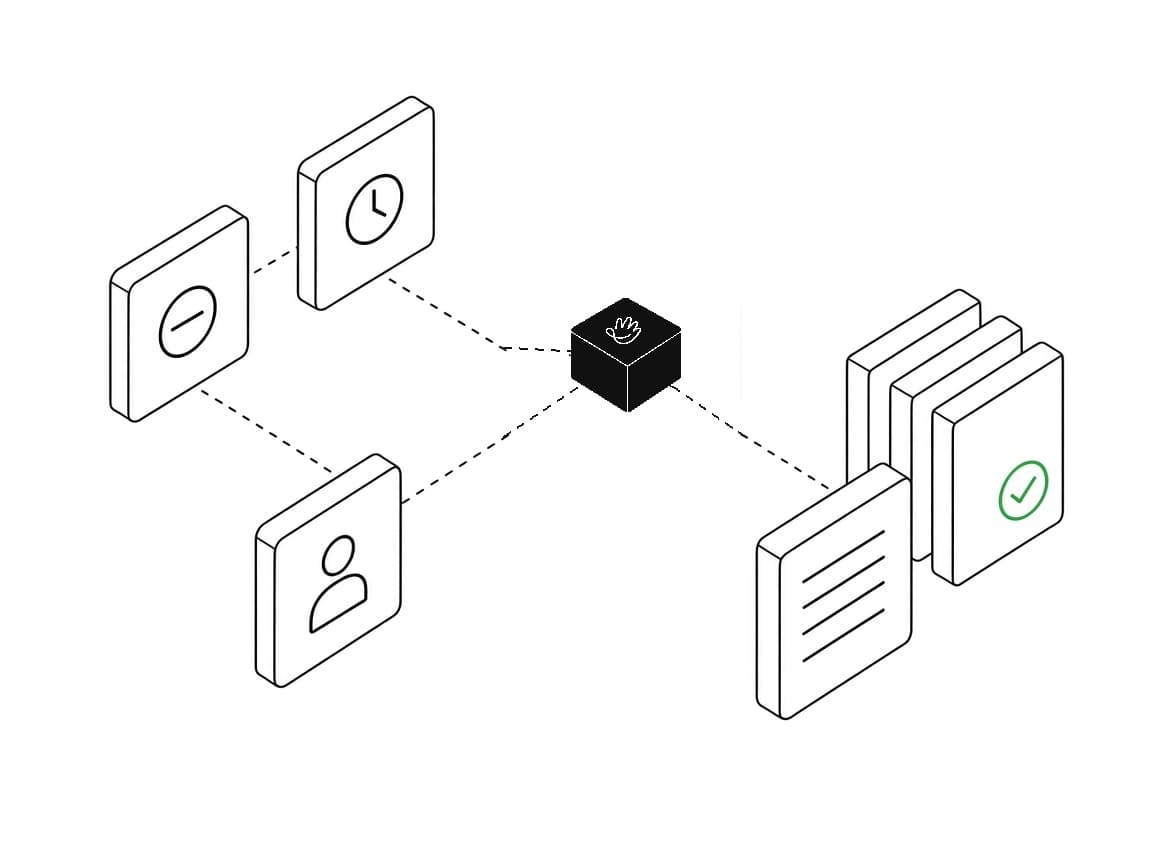
See exactly how much is at risk
An unpaid appointment is more than just a status. Efika shows the amount, due date and next action, helping you stay on top of payments and recover revenue sooner.
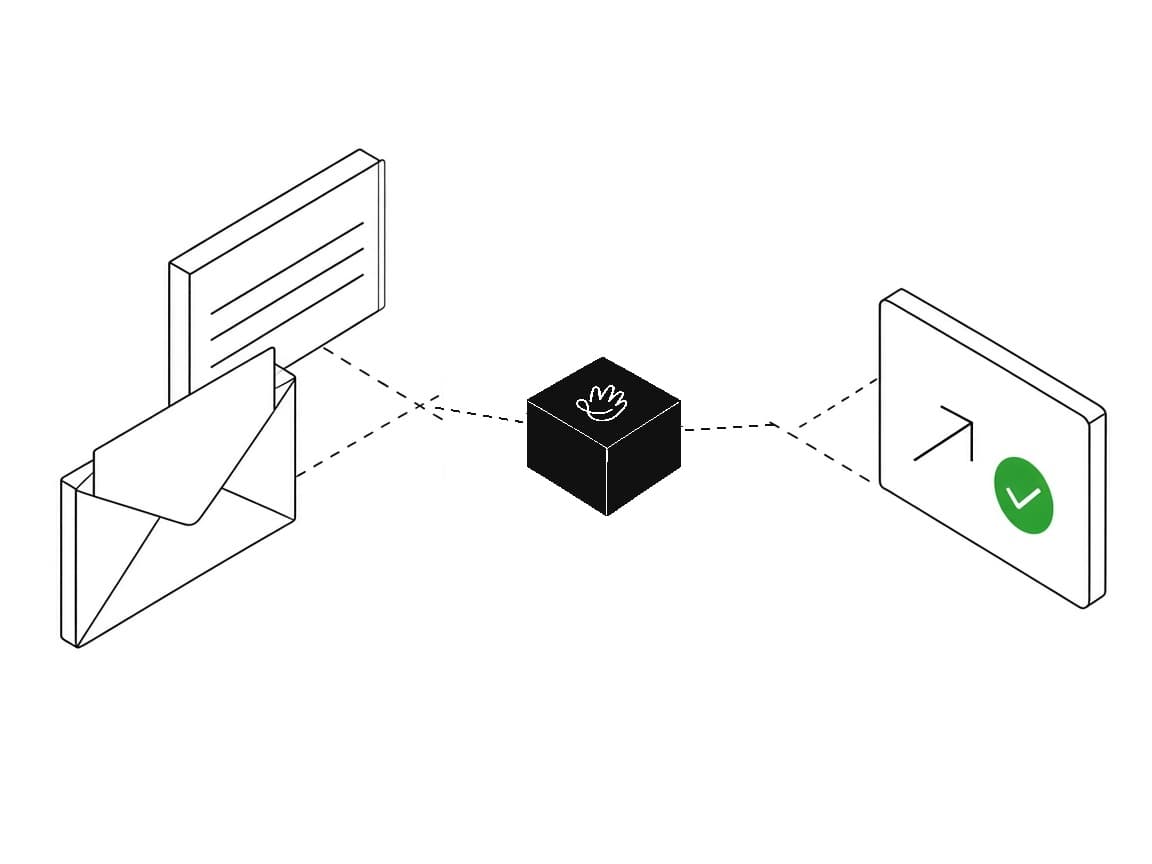
Spend less time writing the same messages
Efika prepares reminders and replies for you. Review them, make any changes and send — without starting from scratch every time.
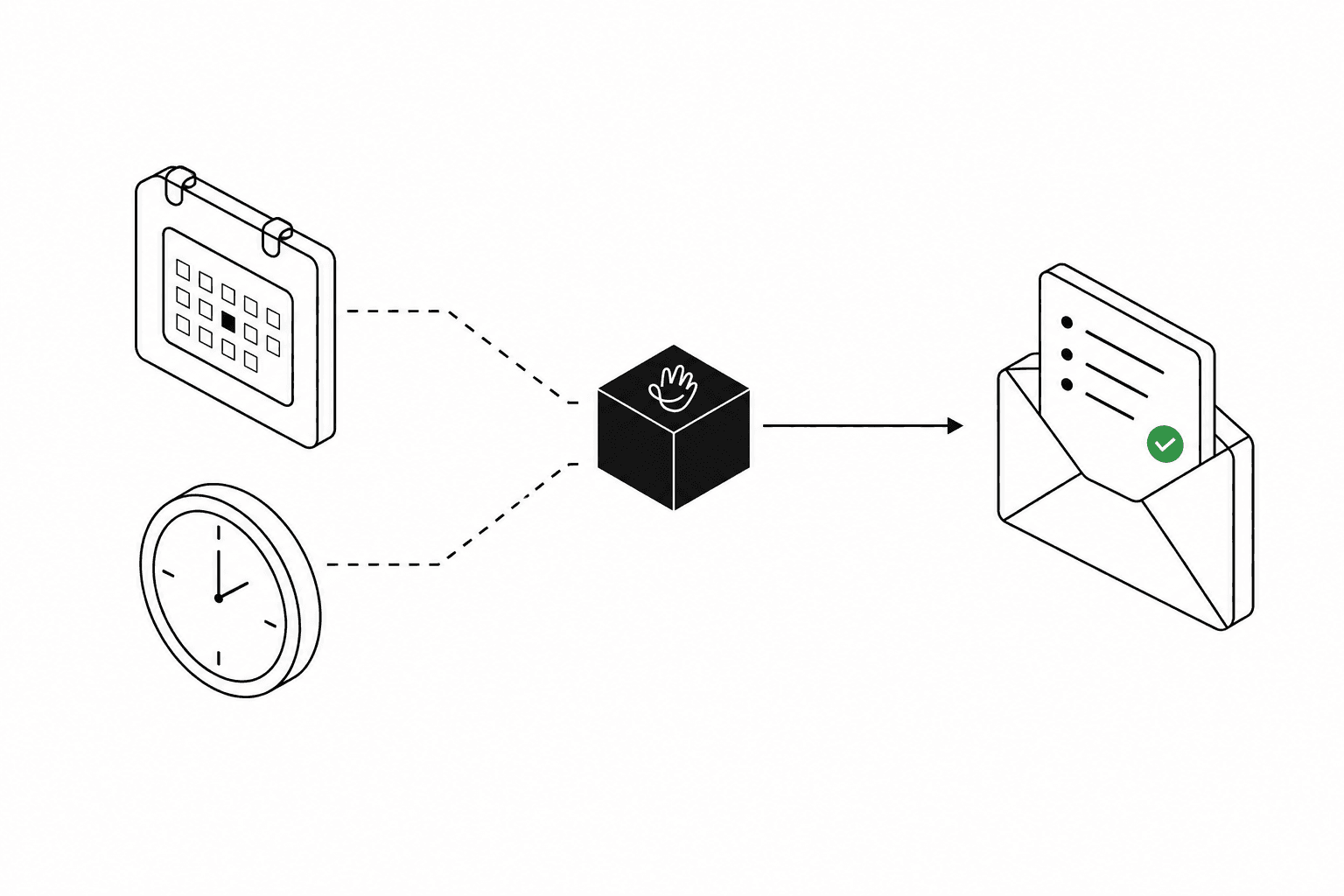
A morning email with the plan for the day
Every morning, at the hour you choose, you get today’s visits, expected revenue and open tasks. Specialists get their own visits. You know how the day looks before you open the calendar.
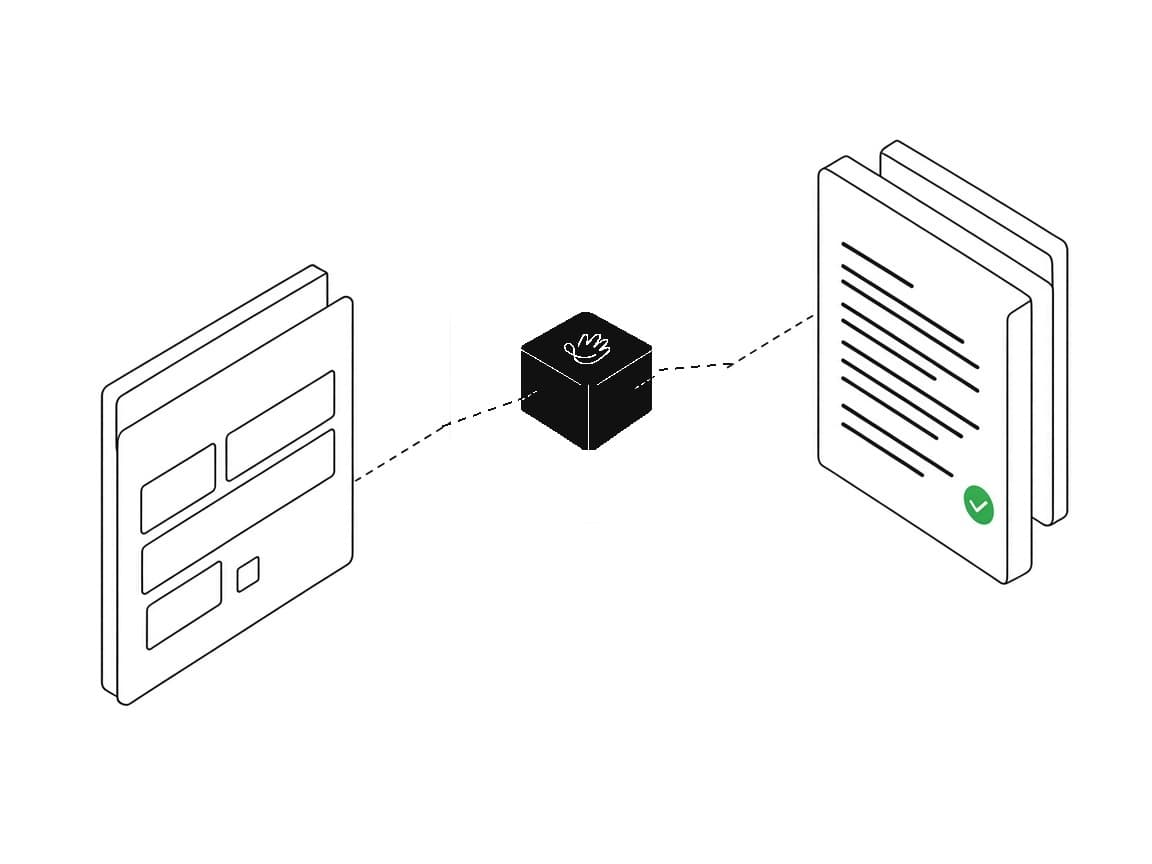
Every booking request lands in the right place
Requests from your booking page go straight to your task list. Approval, payment and confirmation stay together, so nothing gets lost in your inbox.
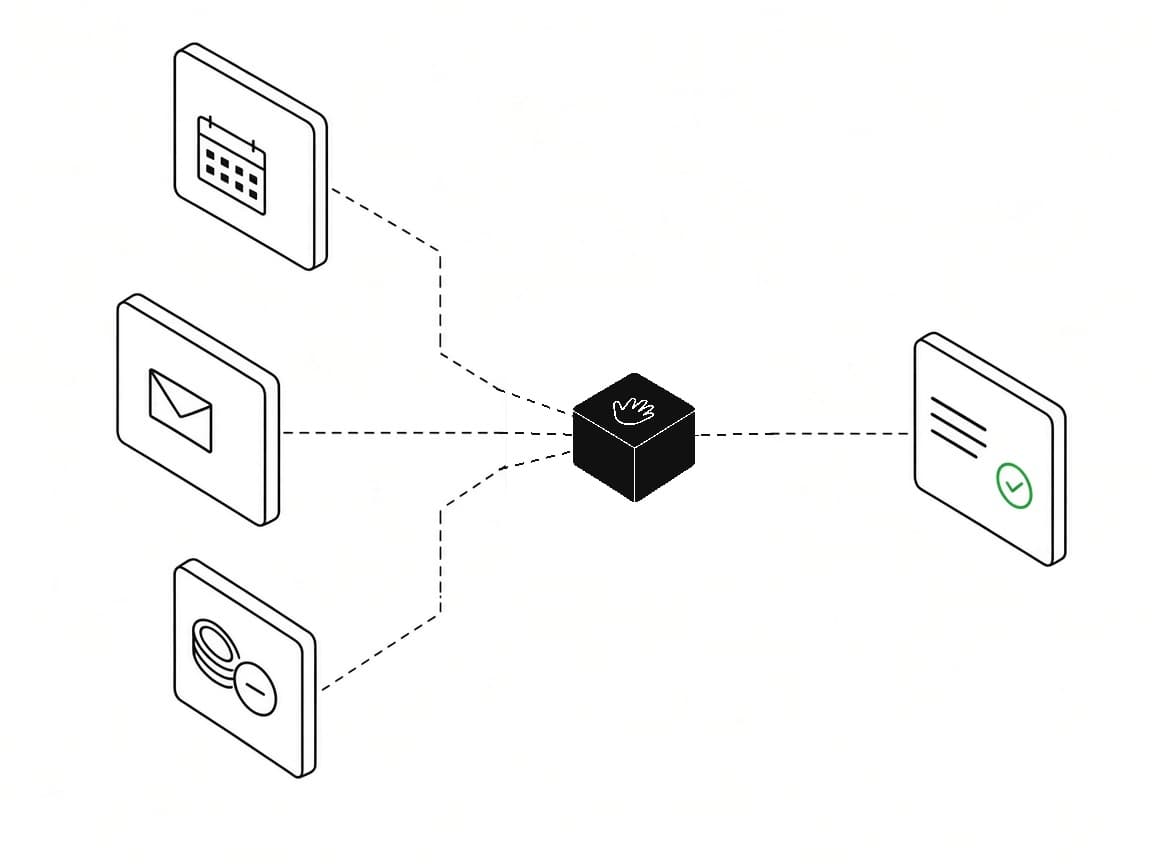
One list instead of constant checking
Calendar, payments, bookings and messages come together in one place. Efika shows you what needs your decision, so you can spend less time checking systems and more time with clients.
The mobile app stays with the practice and the client. Between meetings you check urgent items, bookings, messages, and payment status. The client returns to the appointment and the next step without calling.

See what is already confirmed and what is still waiting for a decision — without calling reception or searching email.
Pay without hunting for a link with a clear payment status and a simple path to the next step.
Ask for a new time in the portal under the organization’s rules — without a separate thread or rewriting the request.
Open shared documents after sign-in, with access controlled by the organization and without public links.
Enter details once and reuse them on the next booking, instead of giving the same information again.
Leave a message on the case, so the conversation stays next to the booking, payment, or document it is about.
Signals from the calendar, payments, and bookings land in the cases that need a decision now.
With Efika
Priorities
A queue of exceptions: what protects time and revenue
Calendar
Appointments with payment and decision context
Payments
Amount and risk visible next to the slot
Communication
SMS and email with your name, closer to the case
Documents
Controlled access, without clinical clutter
Working day
A few decisions, then back to clients
Without Efika
Priorities
You have to catch them by hand
Calendar
Detached from payments and decisions
Payments
An unpaid visit is easy to miss
Communication
Anonymous notices or scattered channels
Documents
Files in many places
Working day
The day split across several tools
Ready to see the working day in one view?
Owner and admin see the same day exceptions. Unpaid visits, booking requests, and missing confirmation do not get lost between specialists.
A decision queue instead of message chaos. The team knows what protects revenue and paid time — and in which order.
For centers of 3–10 people with real coordination. 5 people on the team included; each extra person is PLN 59 / mo. (up to 10 people).
See specific scenarios use cases for coaches, practices, wellness centers, and solo work.

Who is Efika for?
For specialists and teams who work on appointments. It fits best when several people coordinate, but it also works solo.
How is Efika different from a booking system?
Bookings, SMS, and payments are equipment. Efika shows a daily list of exceptions that may soon cost time or money — with one decision on each case.
Do clients see my name in SMS and email?
Yes. In email the client sees your brand. On an active paid subscription you can also set your own SMS sender — until activation, messages go out as Efika with your name in the body.
Do I have to move everything at once?
No. Start with a closed loop: request → decision → payment → confirmation → reminder. Add the next pieces when you see recovered time or revenue.
Does Efika work for one person?
Yes. A solo specialist sees day exceptions: slots, payments, and cases that need a response — without checking several tools.
What role does AI play in Efika?
AI reviews schedule, payments, client messages, work patterns in the background. It builds and orders a work queue: a prioritized list, an assignment proposal, a recovered slot after a cancellation, and schedule hygiene in Upcoming. In settings you can describe refund and reschedule rules in plain language — they map into the fields. Accepting, sending, and deciding stay with the team. More about AI in Efika
Which data does AI access?
AI uses operational data needed for the case queue: slots, availability, payment statuses, confirmations, and practice work patterns. It does not read document contents or analyze clinical information.
Is Efika GDPR-compliant?
Yes. That includes organization isolation, permissions, document controls, a data processing agreement (DPA), and account deletion. Details are on the Security and GDPR page.
Can I see how Efika works in practice?
Yes. You can start a 30-day test environment with sample day exceptions, or book a walkthrough on scenarios from your work.
The same exception engine runs in every plan. The differences are team scale, responsibility, and onboarding support.
Compare all plansSolo
PLN 149 / mo.
1 person on the team
Extra people
Not applicable
Online payment fee
From 2.5% + PLN 1.*
SMS
100 messages a month
Document storage
5 GB
AI
Included
Most popular
Practice
PLN 399 / mo.
5 people on the team included
Extra people
Next person: PLN 59 / mo. (up to 10 people)
Online payment fee
From 2.25% + PLN 1.*
SMS
300 messages a month
Document storage
25 GB
AI
Included
Organization
From PLN 999 / mo.
11+ people on the team / custom
Extra people
Quoted individually
Online payment fee
From 2% + PLN 1.*
SMS
500 messages a month
Document storage
100 GB
AI
Included
Pricing at a glance
Solo
PLN 149 / mo.
1 person on the team
Most popular
Practice
PLN 399 / mo.
5 people on the team included
Organization
From PLN 999 / mo.
11+ people on the team / custom
Extra people
Not applicable
Next person: PLN 59 / mo. (up to 10 people)
Quoted individually
Online payment fee
From 2.5% + PLN 1.*
From 2.25% + PLN 1.*
From 2% + PLN 1.*
SMS
100 messages a month
300 messages a month
500 messages a month
Document storage
5 GB
25 GB
100 GB
AI
Included
Included
Included
All prices include VAT. One recovered session per month usually covers the Solo subscription. In a practice, what counts is the sum of recovered slots, faster payments, and admin time. * The exact fee depends on the payment method and card type.
A walkthrough with the Efika team
We will show how Efika catches the day’s exceptions: unpaid visits, a missing confirmation, and requests waiting for a decision. If you prefer to start on your own, create an account.

See how Efika catches unpaid visits, missing confirmations, and items that need a quick response.