

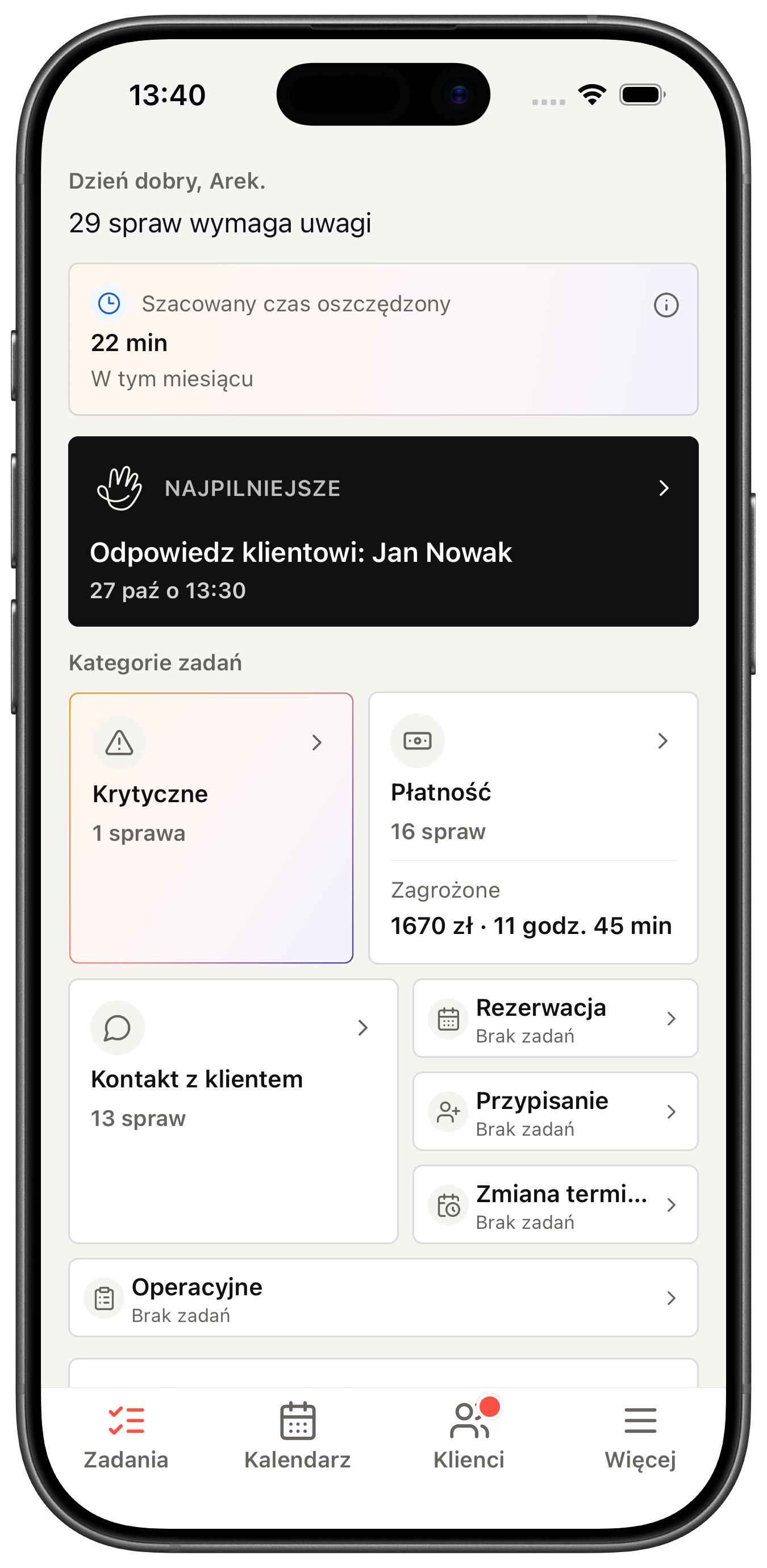
Day items
Day exceptions — always with you.
A decision queue in your pocket: unpaid visits, missing confirmation, and items that protect time and revenue.
Between visits you carry the day exceptions: urgent items, schedule, and payment statuses. The client returns to the appointment, payment, and messages — without hunting for links or calling.
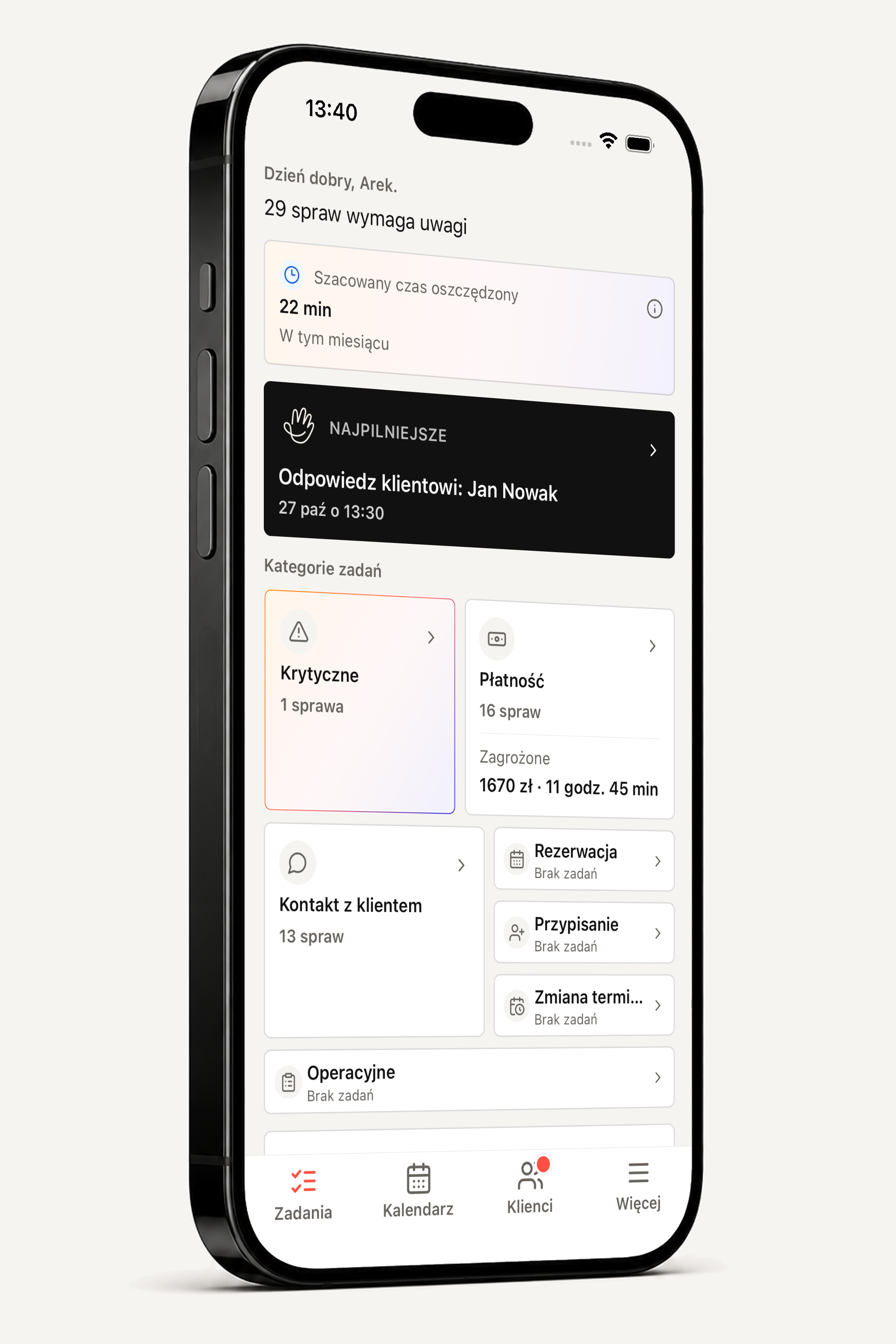
Day items
A decision queue in your pocket: unpaid visits, missing confirmation, and items that protect time and revenue.
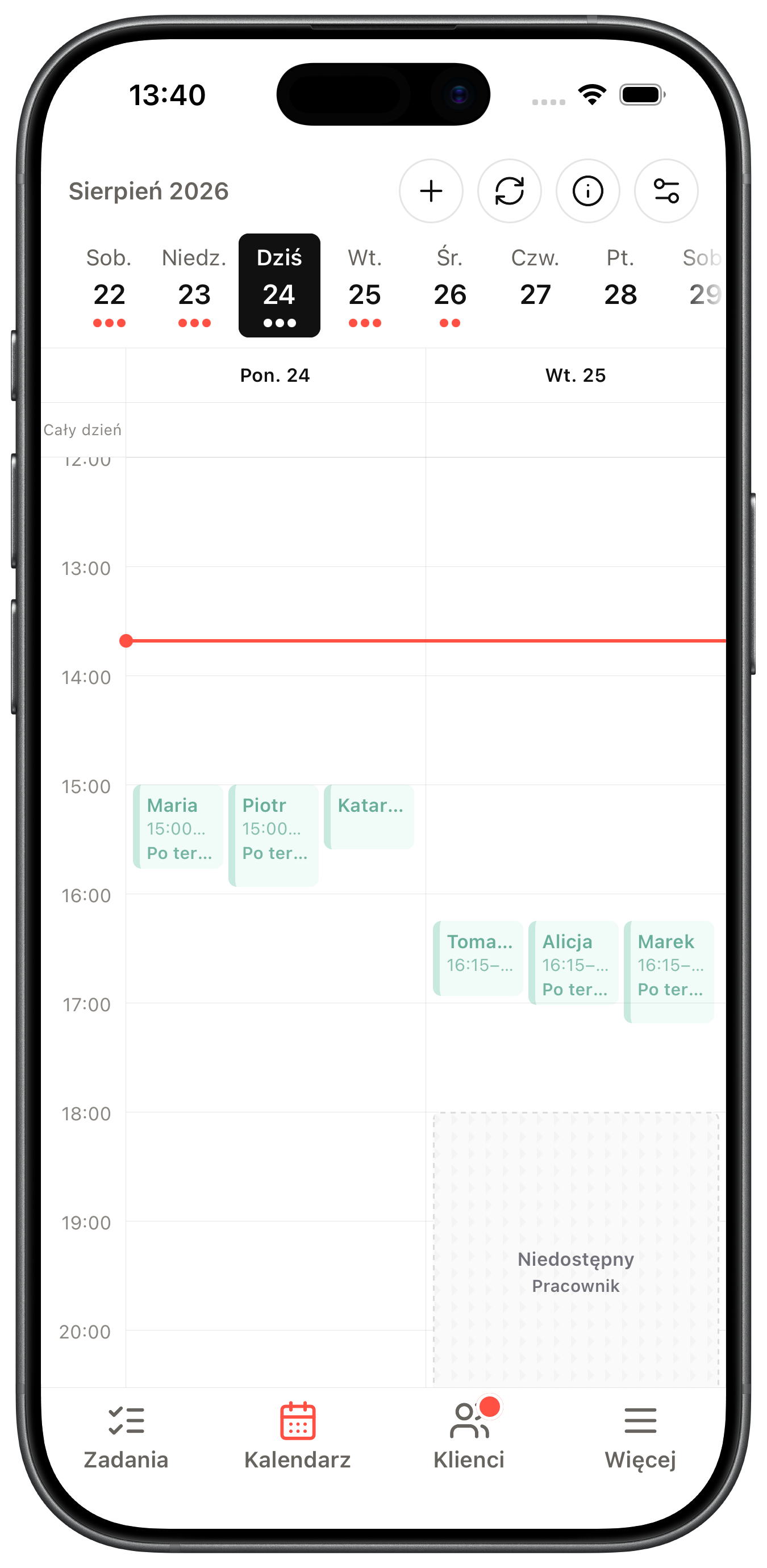
Schedule
When you are on the way, you see what is next and which slot needs a response — not only who has a visit.
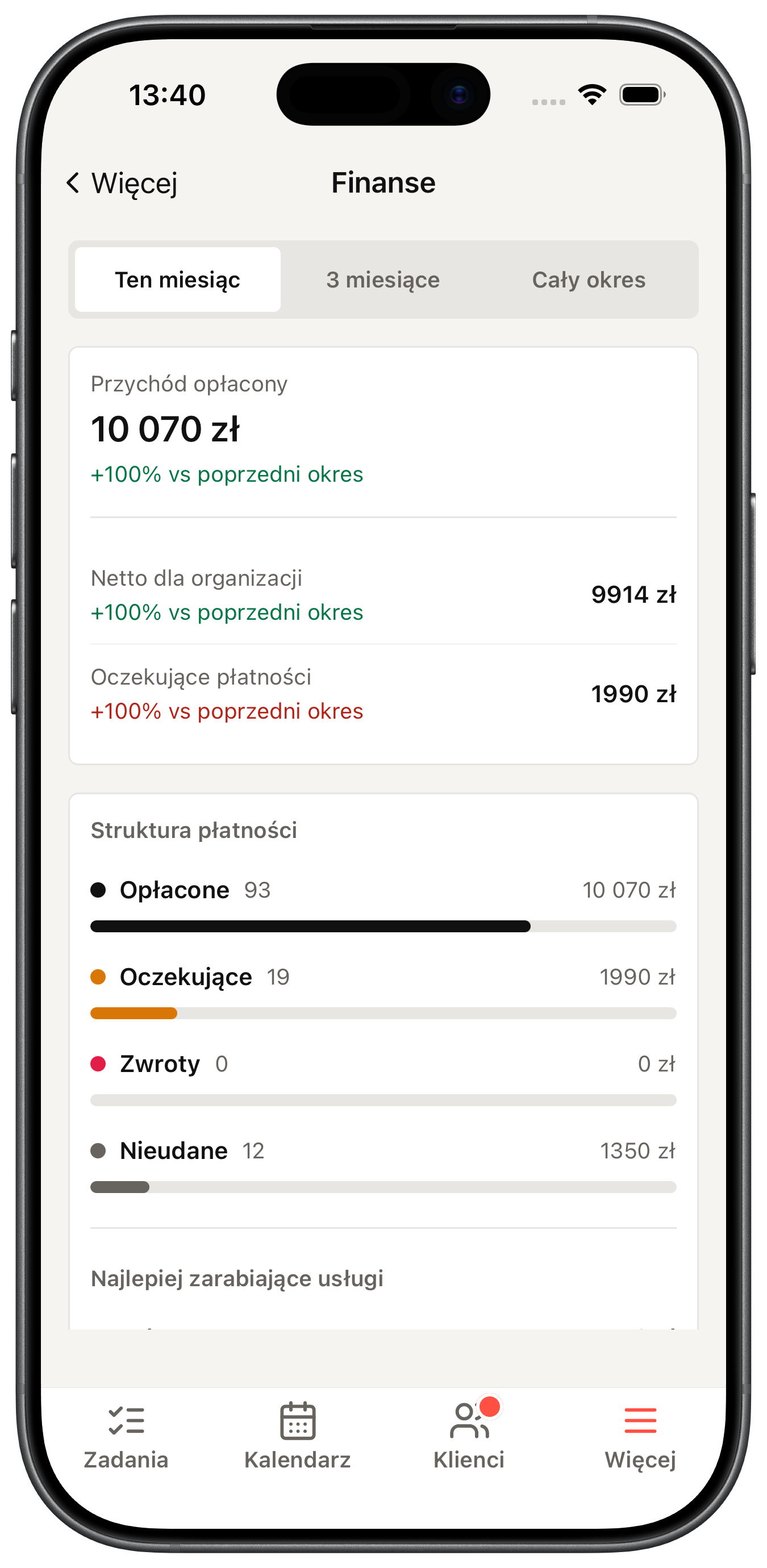
Revenue
Amount and status next to the slot: what already came in, what is still outstanding, and how much is at risk before the visit starts.
Why Efika
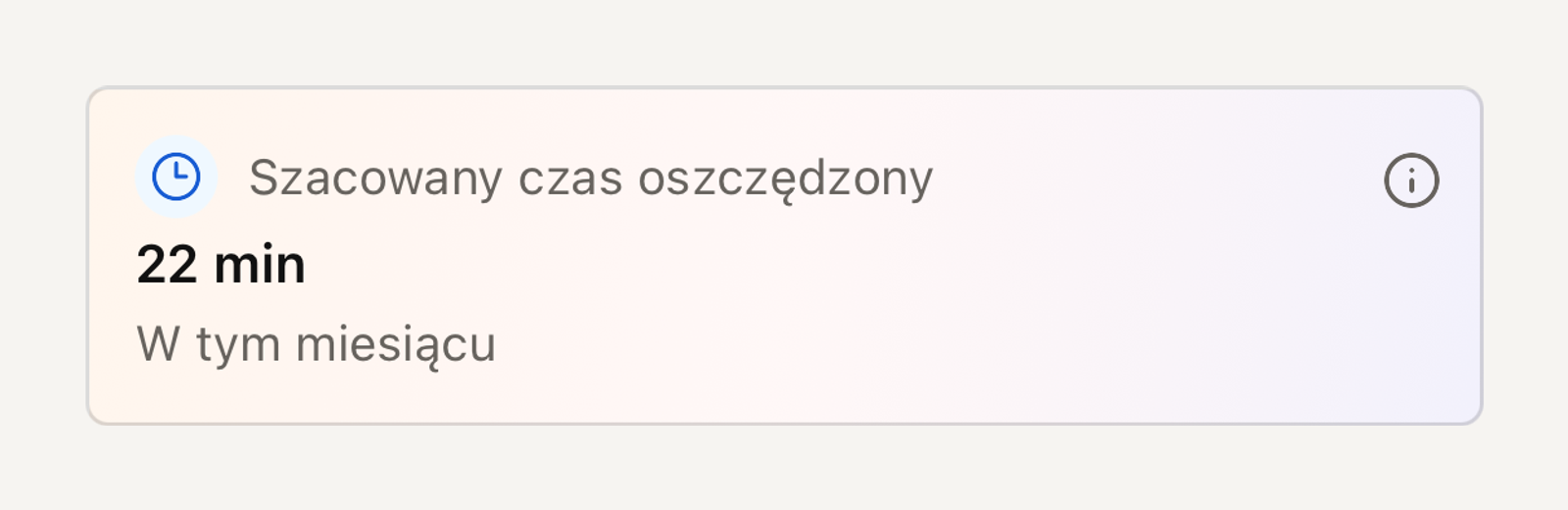
You see at once how many minutes and how much money you already protected.
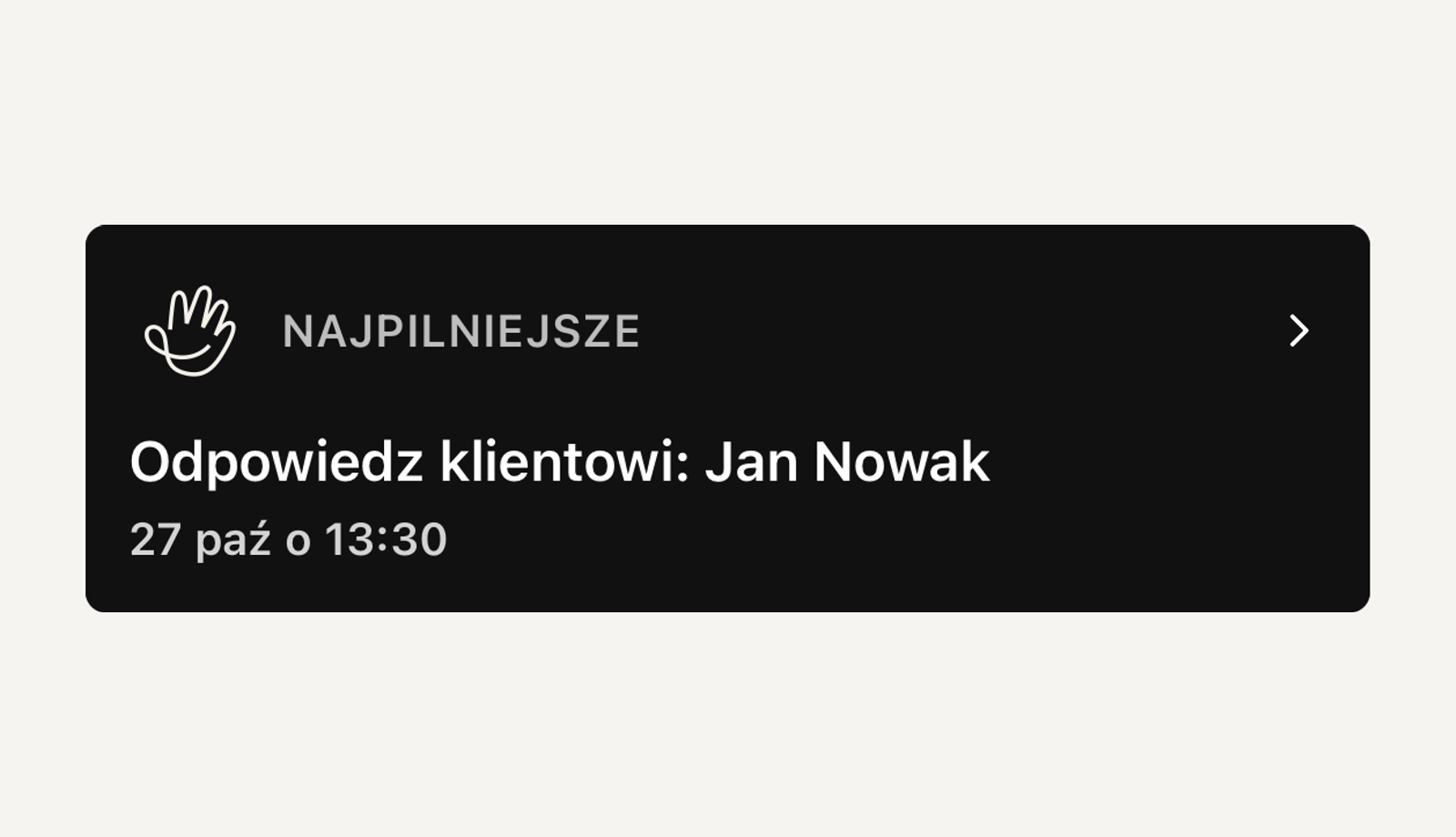
One item on top. One decision. One next step.
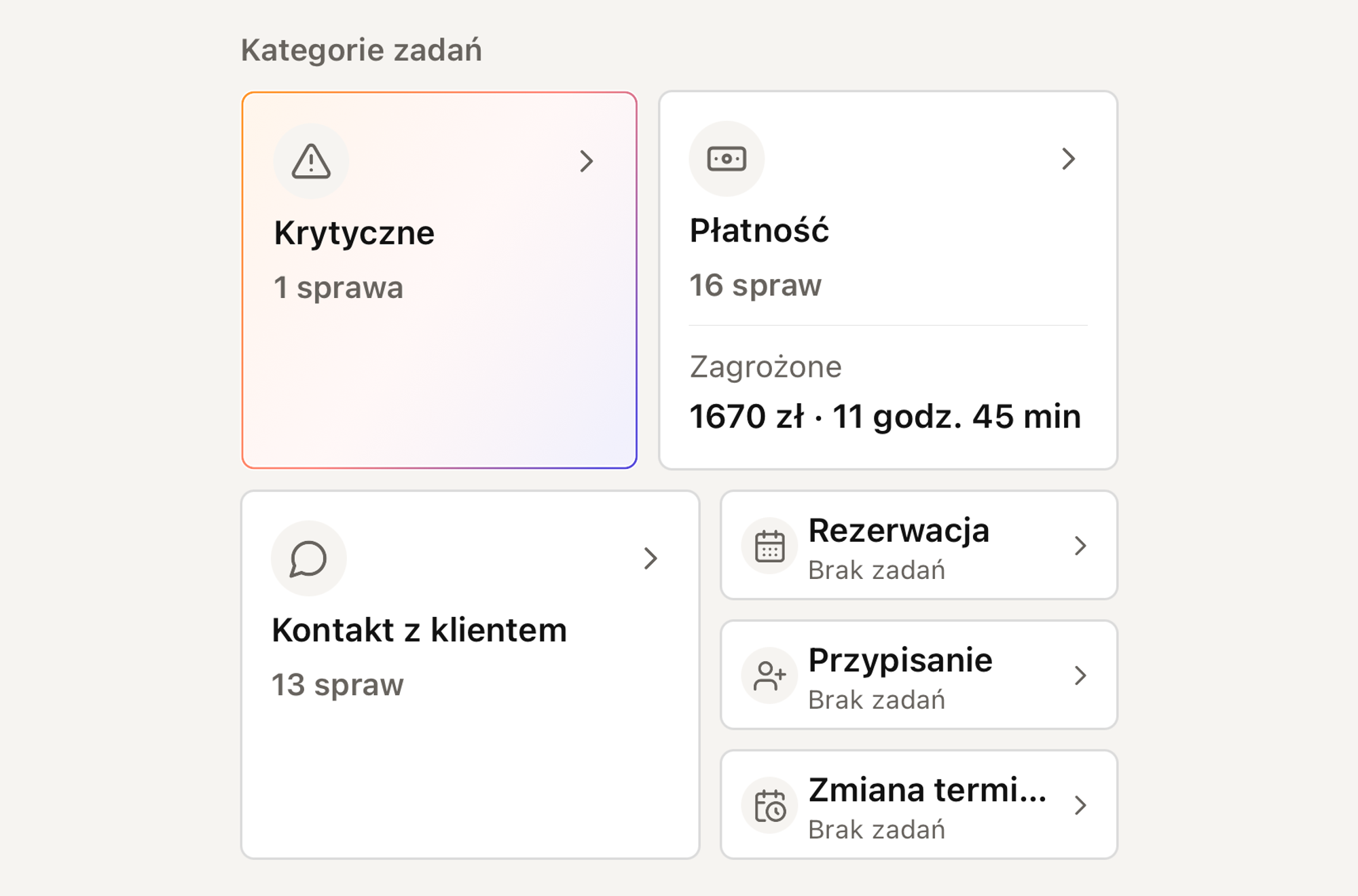
Quick access to payments, bookings, and contact — without scrolling the queue.
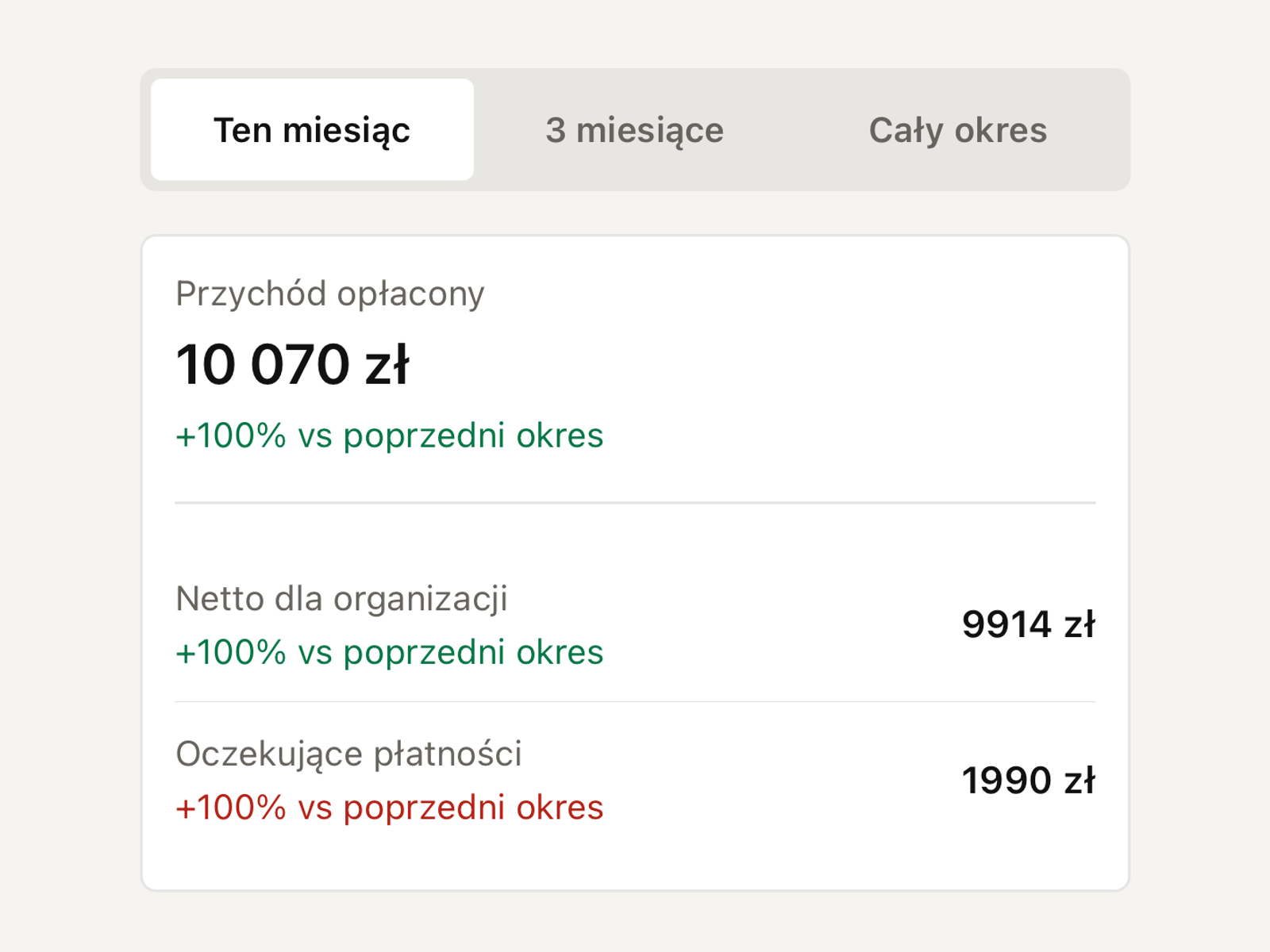
What came in and what is still outstanding before the slot slips away.
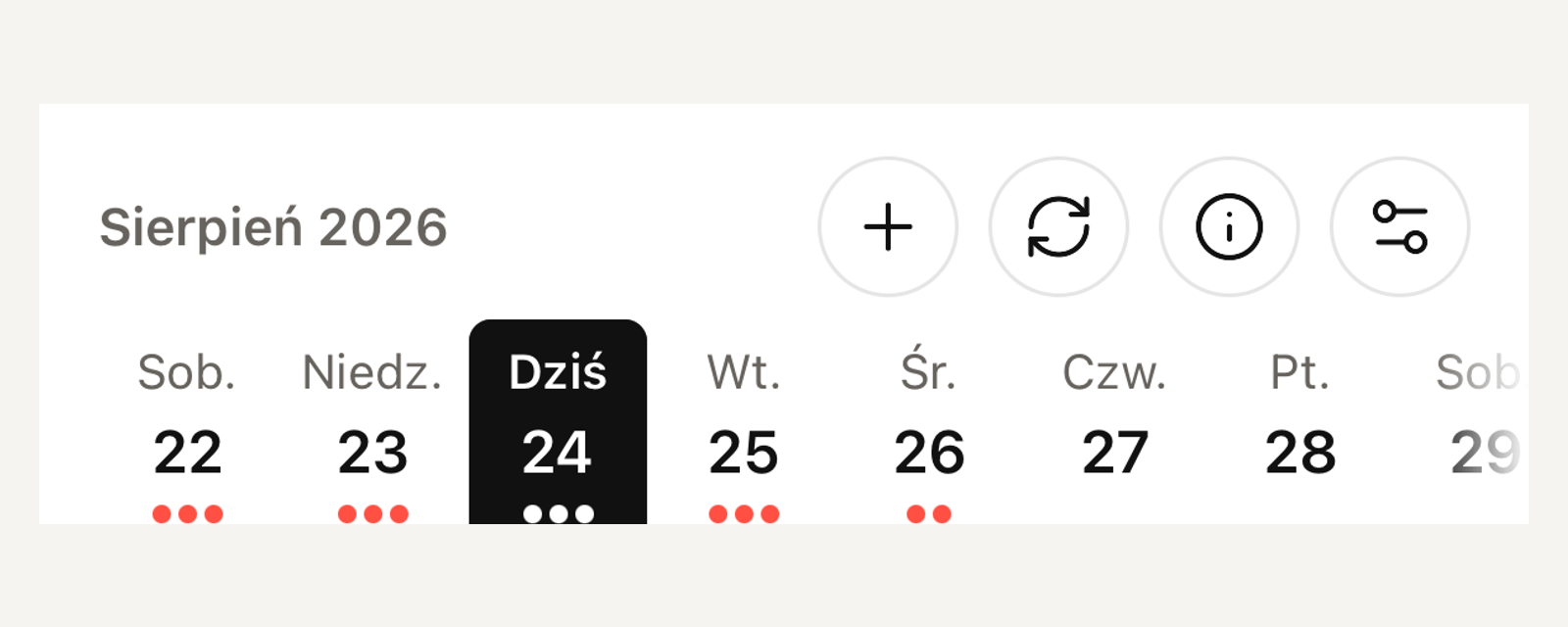
Day schedule at hand: new slot, refresh, and filters when you are already on the way.
In the app
The team carries day exceptions outside reception. The client returns to the appointment, payment, and messages without calling.
Day exceptions in one place: what may soon cost a slot or revenue.
You respond to items that may soon cost a slot or revenue — without going back to the desk.
Appointment, payment, and next step in their pocket — without hunting emails or calling reception.
A document at hand when someone asks — without going back to the computer.
The same conversation stays with the case. You reply before the thread slips away.
FAQ
What you need before you start using the app.
No. It is a pocket companion: day priorities stay with the team away from the desk. Full configuration stays in the web dashboard. Clients sign in with the same account or use the portal in the browser.
For specialists, practices, and clients. The team carries day exceptions, schedule, and payments between visits. The client returns to the appointment, payment, and messages without calling. Sign-in uses the same account as in the browser.
No. You sign in with the same account as the Efika dashboard or the client portal.
The app is currently available by invitation. Request access and we will send you instructions on how to get started.